Seneca helps Americabuild hard things.

We help refining and process teams observe, understand, and improve work.

Capture or upload.

Start with the source of truth.

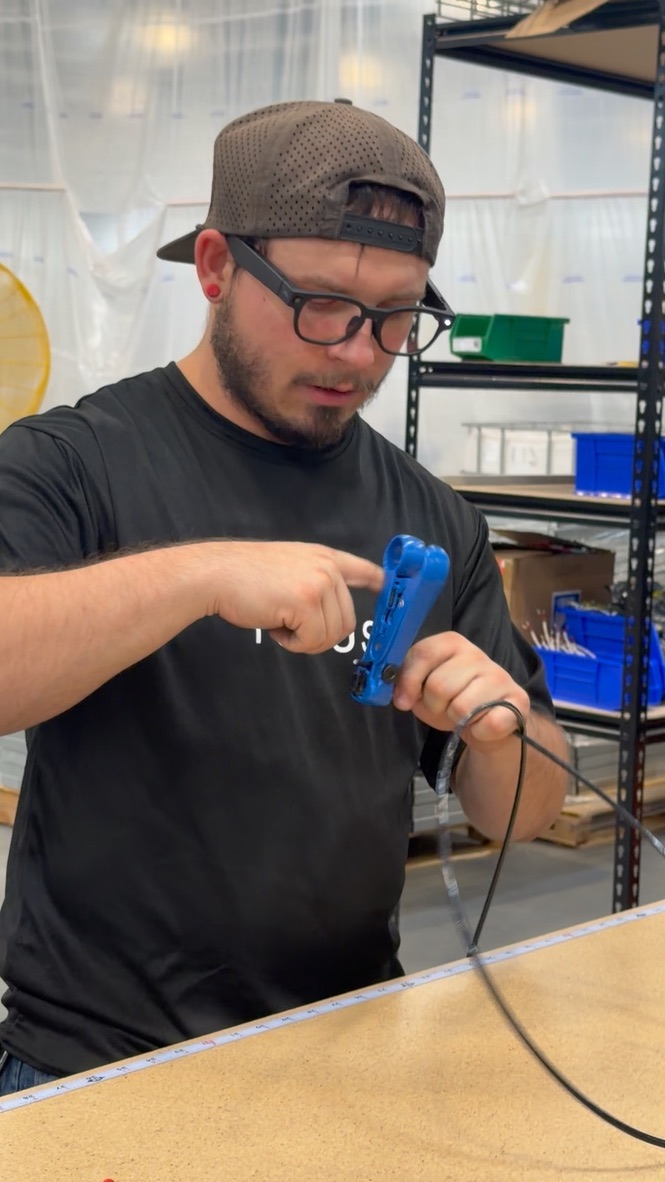
Record plant routines and equipment maintenance on a phone or smart glasses. Bring in existing files, video, drawings, and inspection references.

Team recording a shop-floor demonstration on a tablet

Understand
the work.

Seneca AI turns plant video, files, and drawings into a draft SOP.Keep working standards in sync with operators, maintenance, and engineering.

SOP / MAINTENANCE BRACKET ASSEMBLYDRAFTING
WORK INSTRUCTIONS

Seat precision pin

WORK SEQUENCE04 STEPS
01Inspect bracket and pin
02Secure bracket in the fixture
03Align and insert pin
04Verify pin is fully seated
JOB PURPOSE

Assemble a mounting bracket and pin during an illustrative plant maintenance job.

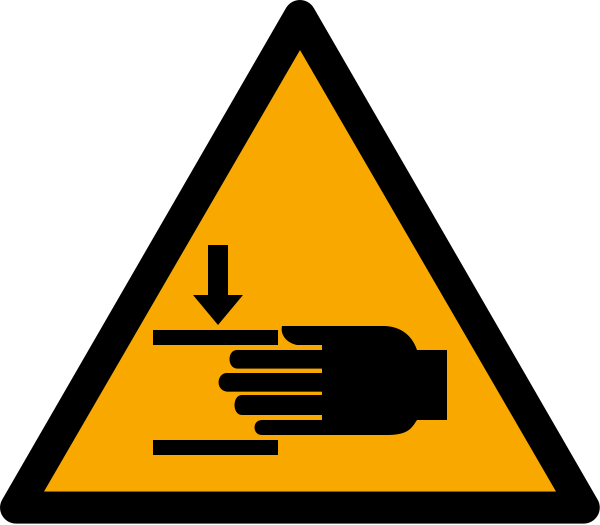
HAZARDS
Pinch zones
REQUIRED PPE
Cut-resistant glovesSafety glasses
STEP 04 / DETAIL

Check that the pin shoulder meets the bracket face with no visible gap. Record the result before releasing the assembly.

OPERATOR INPUT / STEP 04REQUIRED RESPONSE

Is the pin fully seated?
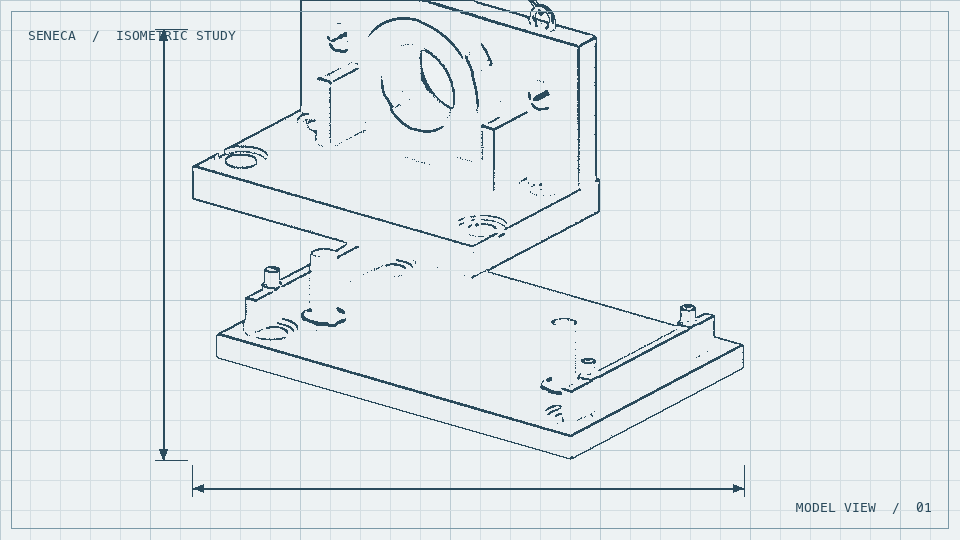
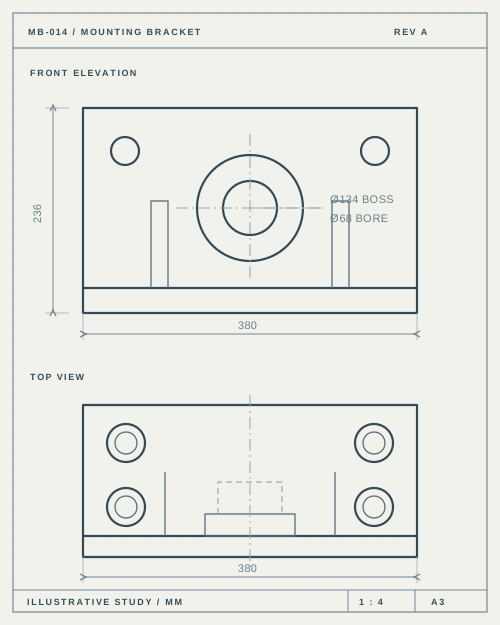
CAD ASSEMBLY REFERENCE
DRAFT SOPREADY FOR HUMAN REVIEW ✓

Integrates into your DMS & QMS

and more…

Teach
the work.

Train operators for plant routines, inspection, and maintenance handoffs.

Seneca creates four stages of training for every procedure.

A Conversation between Operator and an AI doing teaching and evaluation through voice.

SOP Seat precision pin
03Align and insert
04Verify seating
Seneca AI

Seneca AI: Check that the pin shoulder meets the bracket face. How can you tell the pin is fully seated? Operator: There’s no visible gap. Seneca AI: Exactly. Let’s move to the next step.

Integrates into your LMS, SCORM

and more…

See work
move.

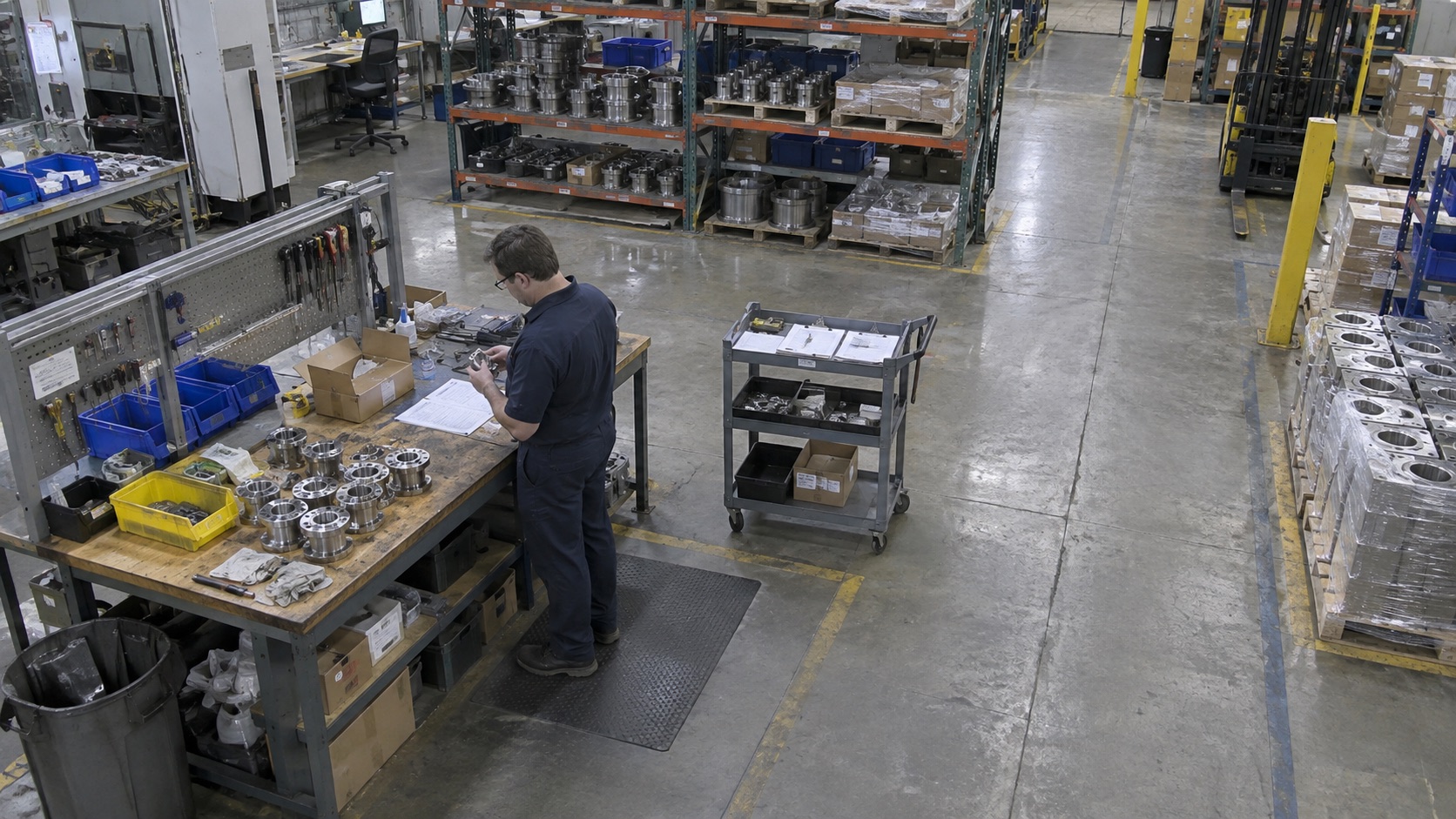
AI cameras and operator inputs track maintenance work and record quality checks across shifts.

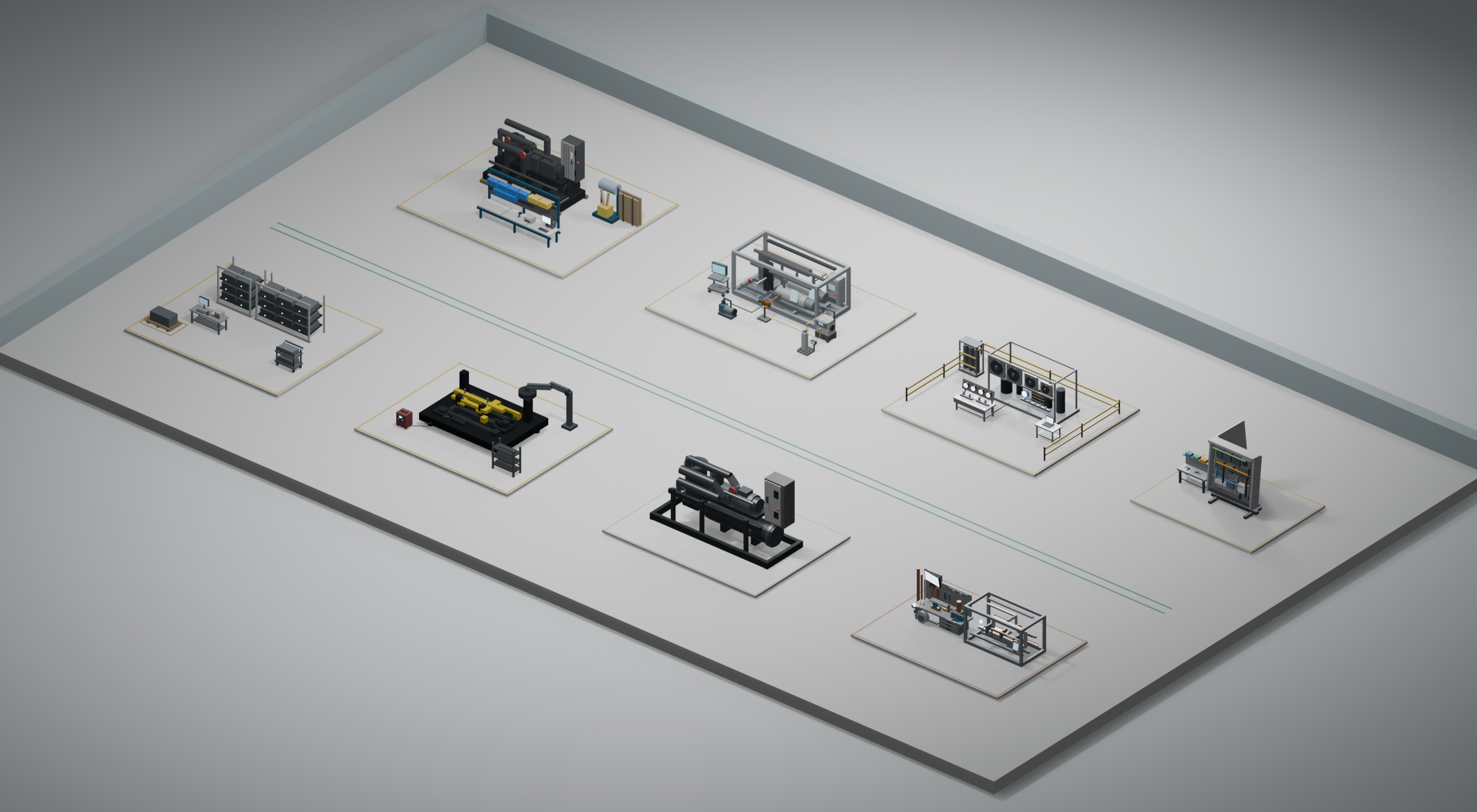
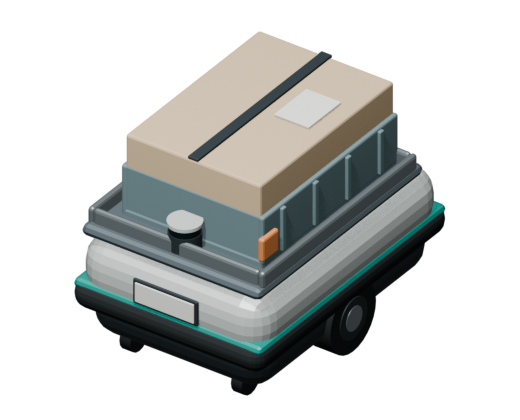
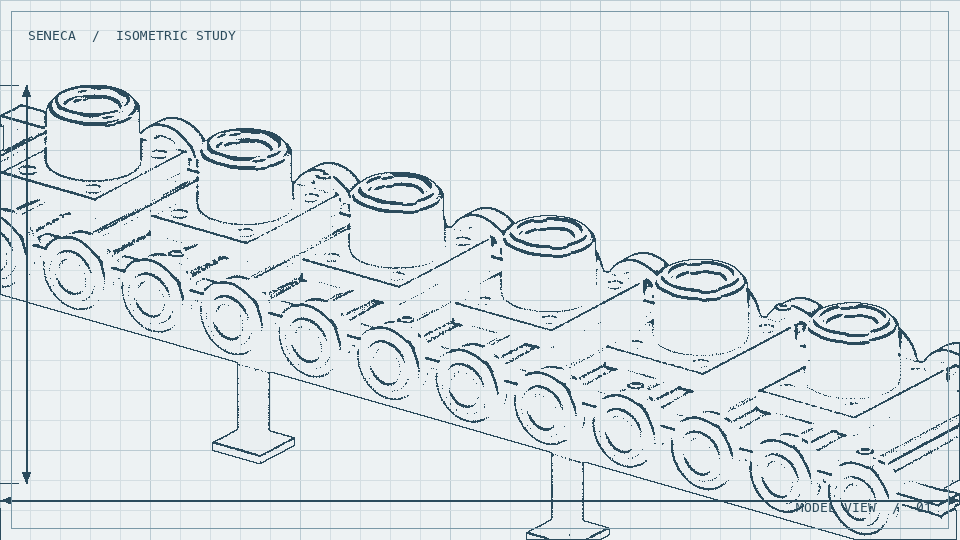
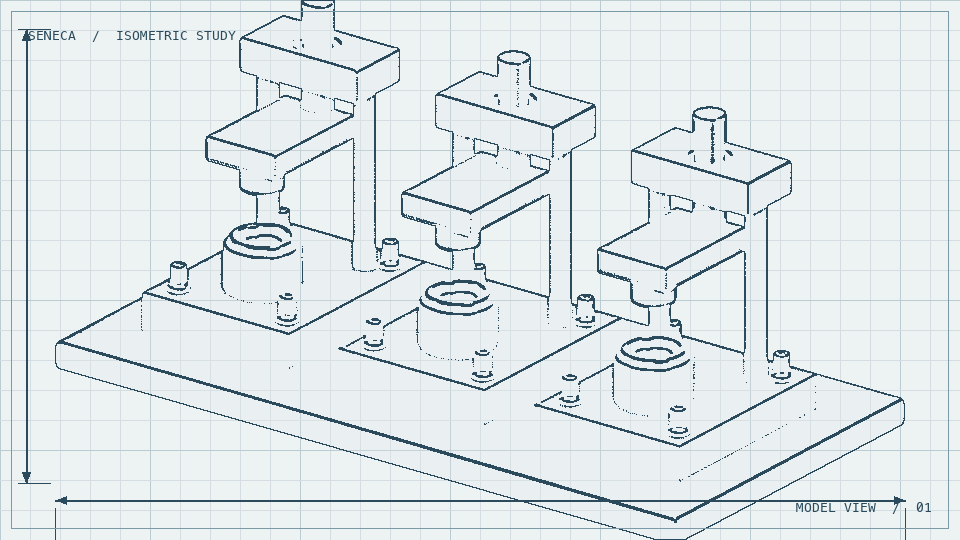
Isometric floor built from eight demo station models 01 Receiving & Kitting 02 Frame Fabrication 03 Mechanical Assembly 4A Refrigerant Piping 4B Controls & Wiring 05 Pressure Test 06 Charging & Commissioning 07 Final QA & Packout
WO-1049
WO-1049RUNNING
01Receiving & Kitting
STATION CAMERA
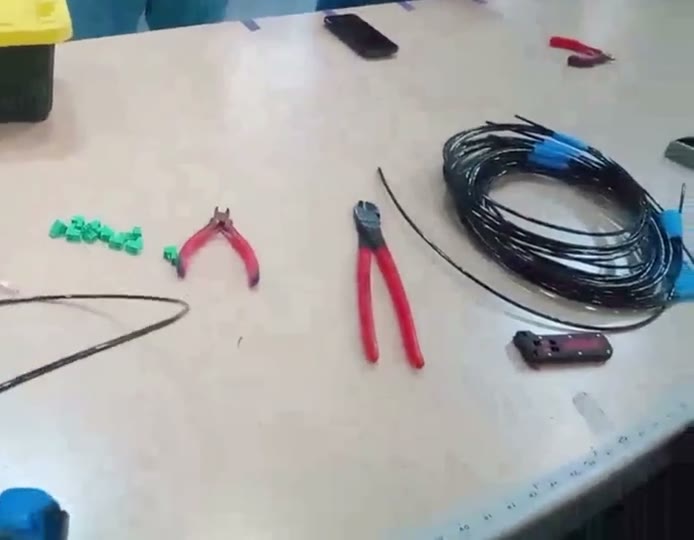
Illustrative camera view of incoming parts being checked at Receiving and Kitting
Step 5Step 6Busy
DRAG TO ROTATE · PINCH TO ZOOM

Integrates into your MES, ERP, Equipment

and more…
A continuous study of better work Rectangles redistribute into balanced workloads, waste separates into ordered groups, time bands align, and queued dots spread into a steady flow. The same shapes evolve between all four studies.

Make the
next run
better.

Seneca AI uses camera footage and work order data to understand your work and recommend improvements to maintenance preparation, inspection, and shift handoffs.

Seneca Engineering AI analyzes your current work using SOP, cameras, and WIP tracking to recommend physical improvements.

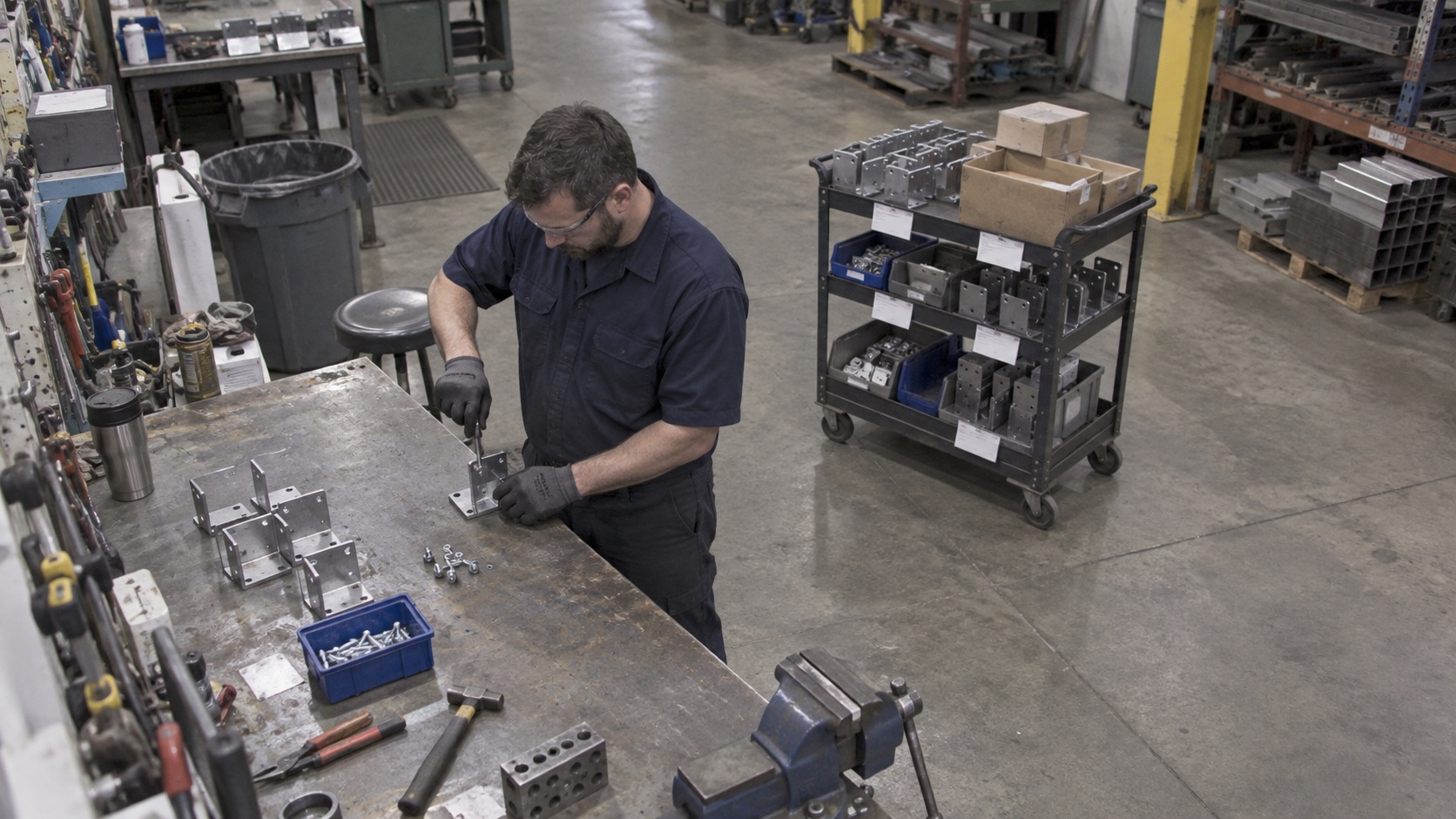
Current condition
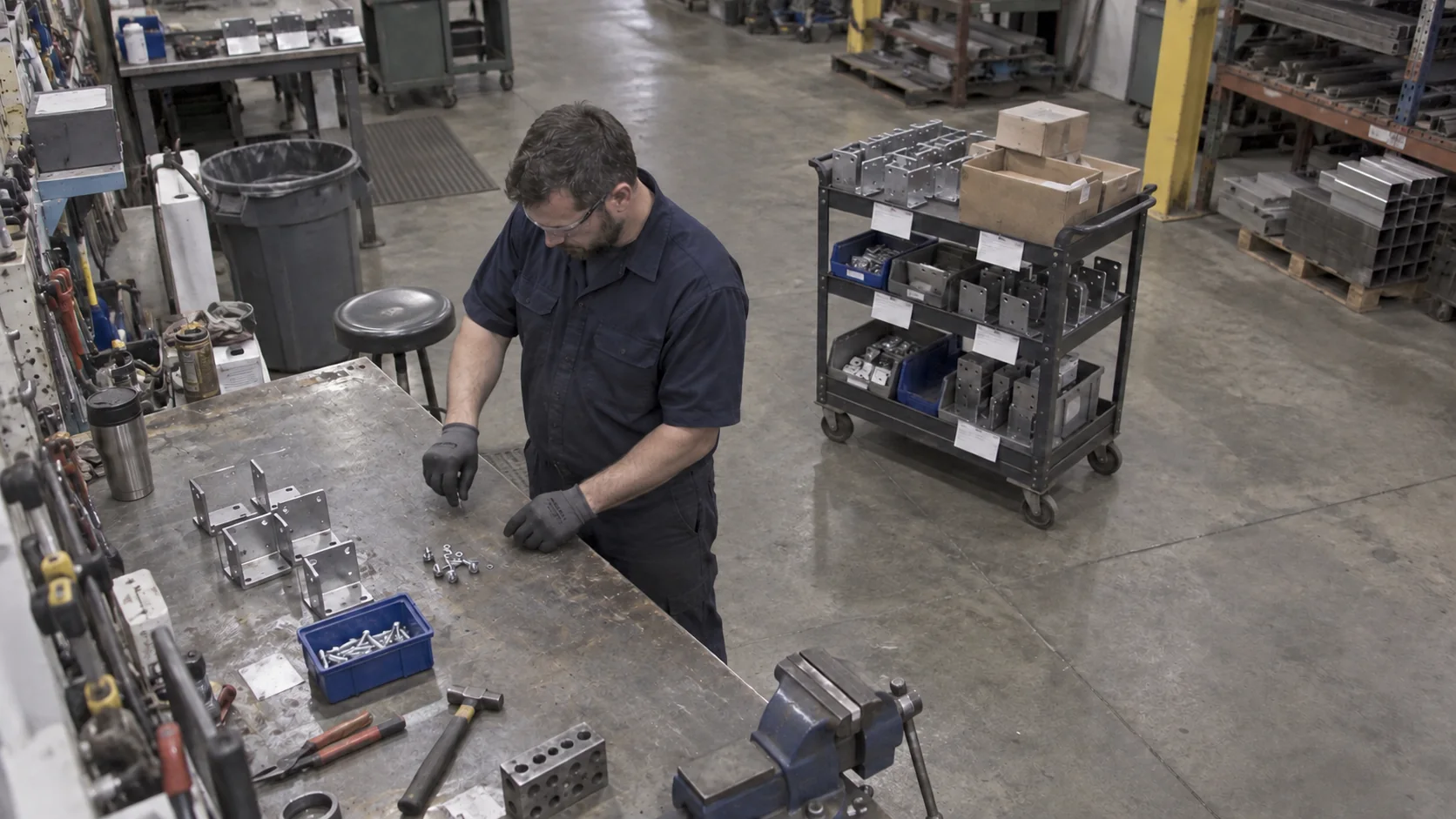
Before: the operator holds the bracket in position by hand while tightening a fastener.
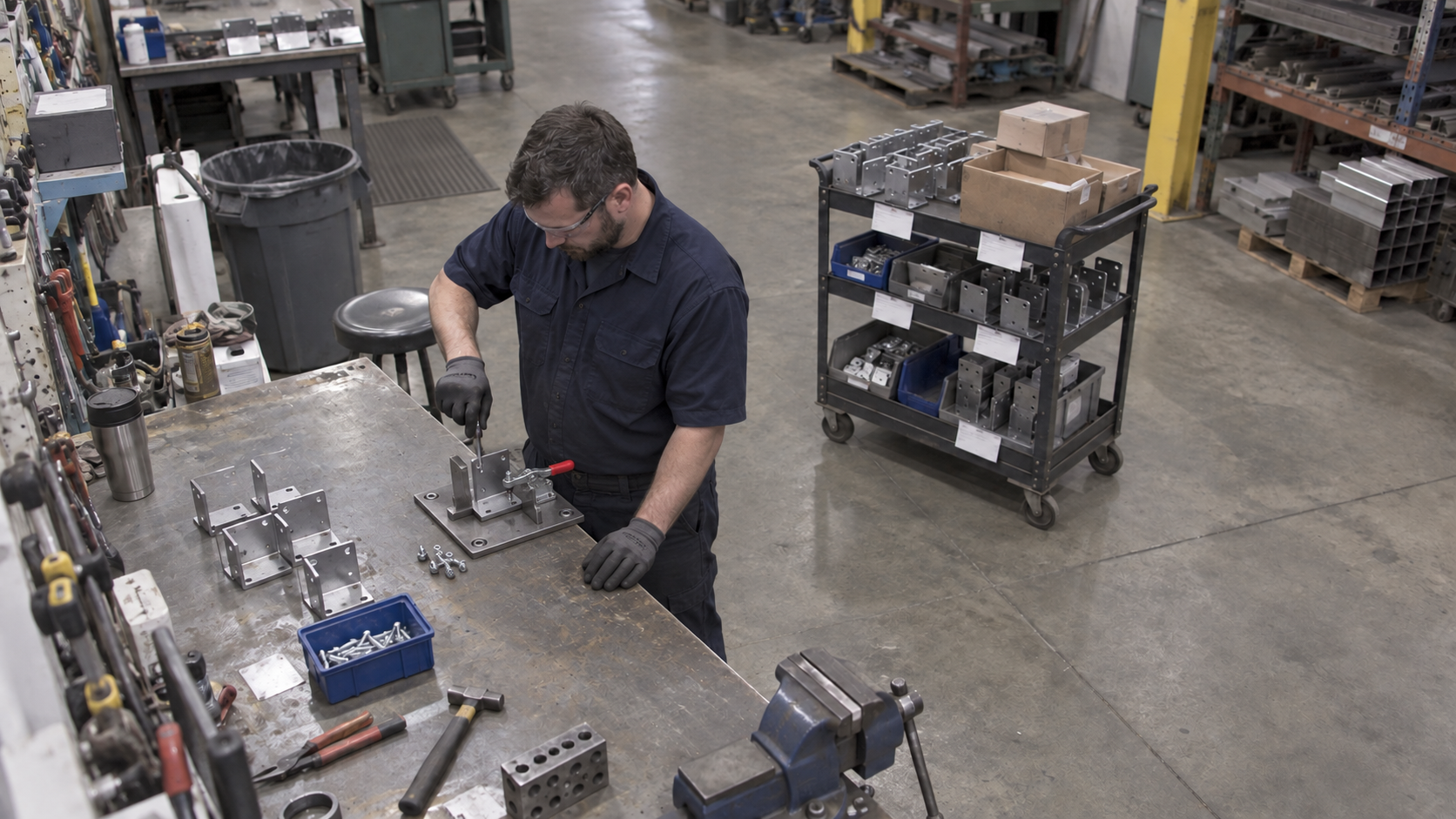
Proposed improvement
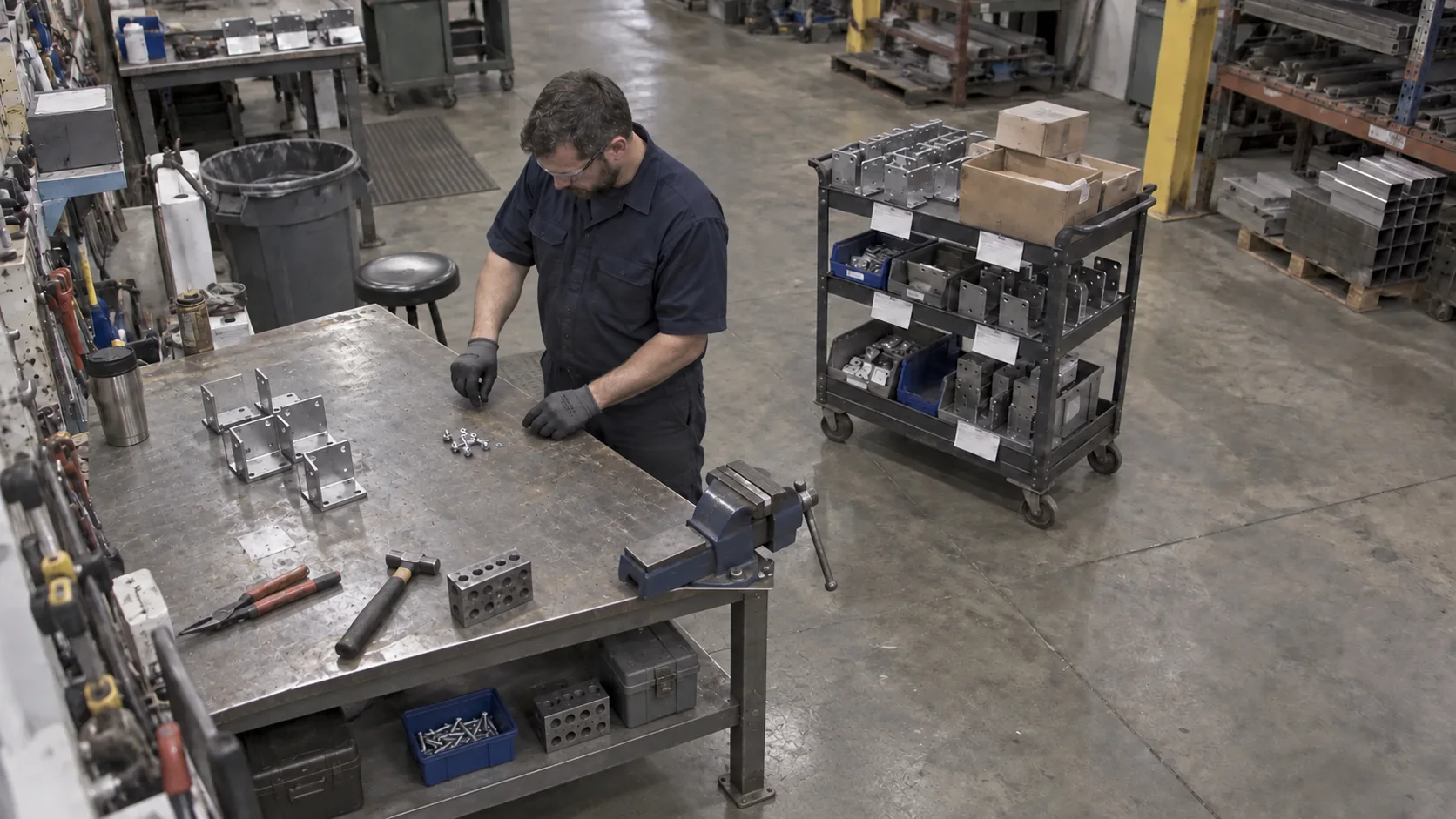
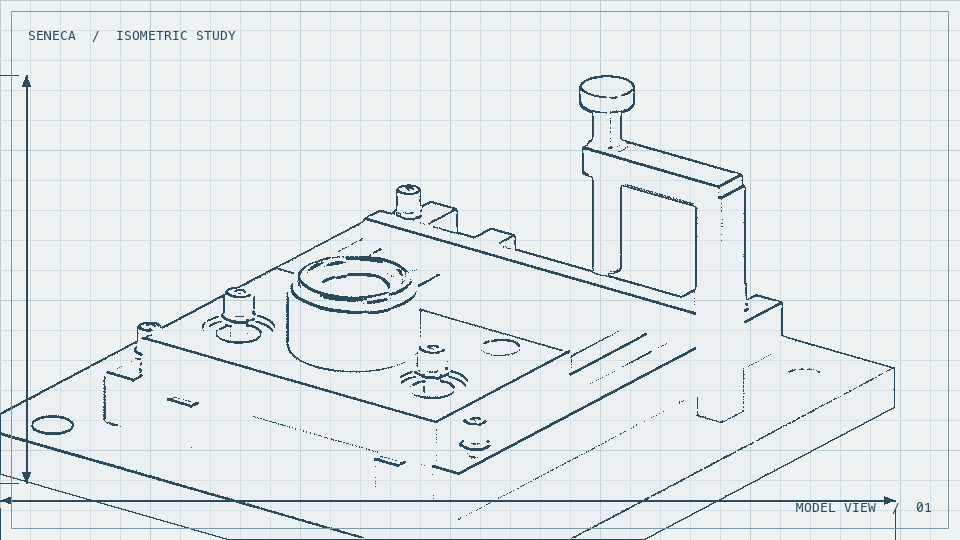
After: the proposed fixed steel stops locate the bracket and a red-handled toggle clamp secures it for fastening.
Seneca recommendation

Add a locating fixture with fixed stops and a quick-release clamp to hold the bracket square during fastening, freeing the operator from holding it by hand.

Watch work.
Update systems.

Tell Seneca AI what to watch via our AI cameras or your existing camera infrastructure. It keeps your systems current as work moves.

Ask Seneca AI
CAM 01 / ASSEMBLY STATION
MES / WORK ORDERAWAITING EVENT
RecordWO-1048
StatusIn progress
StationAssembly 01
Observe / Understand / Train / Execute / Improve / Monitor

Understand the work.
Improve how it gets done.

Seneca helps America
build hard things.