Manufacturing execution and MES integration
Keep production records connected to production.
Connect what happens on the floor to work orders, procedure checks, and production status. Seneca combines operator inputs and camera events to help keep manufacturing records current.
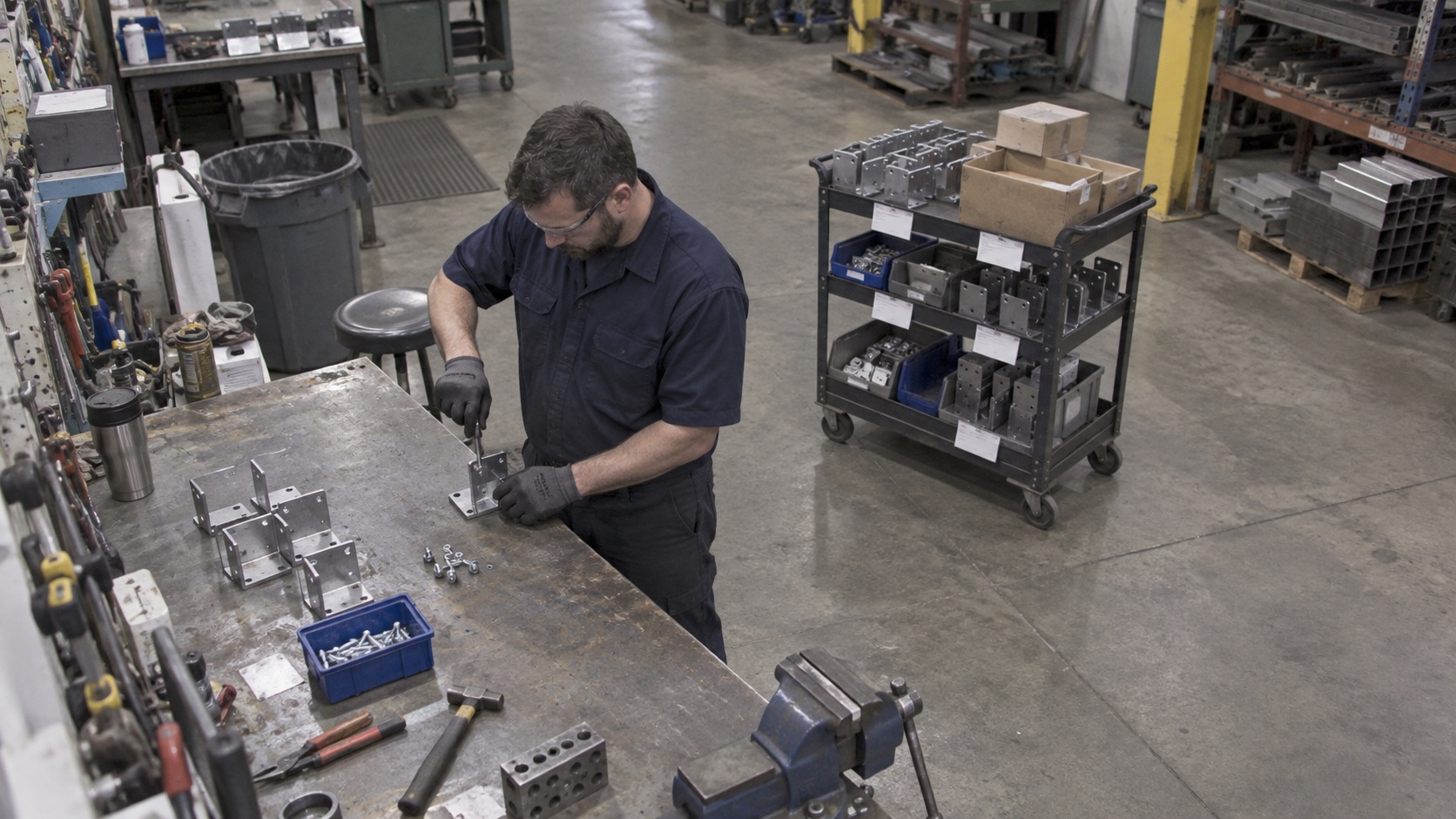
Track work orders
See which station a job has reached and whether it is running, waiting, or complete.
Capture checks
Connect the procedure, operator responses, and relevant evidence to the work.
Update your systems
Use configured floor events to trigger updates in MES or ERP.
01 / MES & Production Tracking
What Seneca addresses in manufacturing execution
A production system can only show the work it knows about. When operators have to stop, scan a job, enter results, or close a work order, the record can fall behind the floor. Supervisors then spend time asking for updates or walking the line to find the current position.
Seneca connects the work instruction, the work order, operator inputs, and observed production events. This supports a clearer view of the work moving between stations and the checks completed along the way. Teams can investigate an exception while the job is still in progress.
02 / MES & Production Tracking
Use the right source for each production event
A camera can observe a finished assembly reaching a defined cart or a bin moving to a replenishment position. An operator can confirm a check, report an issue, or provide context that is not visible. A connected test system can provide a measured result. Each source has a different role in the production record.
Before automating an update, define which job is affected, which event proves the transition, and what should happen if the event is uncertain or repeated. Validate the rule against representative work before using it to update a live record.
03 / MES & Production Tracking
Connect MES and ERP without losing ownership of the record
For an existing MES, Seneca can act as a floor-data and workflow layer. The website demonstration shows a finished assembly triggering a work-order completion update, and a moved parts bin triggering a material pull request in ERP.
Integration scope depends on the system, available interfaces, job identifiers, and approval requirements. Decide which system owns the work order, how exceptions are handled, and how updates are reconciled. A camera event should be traceable to the production record it changes.
Questions
Before you start.
Is Seneca an ERP?
Seneca focuses on work instructions, operator training, production visibility, and floor workflows. It can connect relevant events to existing MES and ERP records.
Can we keep our existing MES?
Yes. Scope the connection around the records and production events you want to update, using the interfaces available in your system.
Can cameras prove every quality requirement?
A visible event can provide evidence for a configured check. Measurements and properties that cannot be seen require operator input, equipment data, or another appropriate check.
See Seneca at work
Bring us one job.
Start there.
Show us the procedure, training need, or production workflow you want to improve.