Seat precision pin
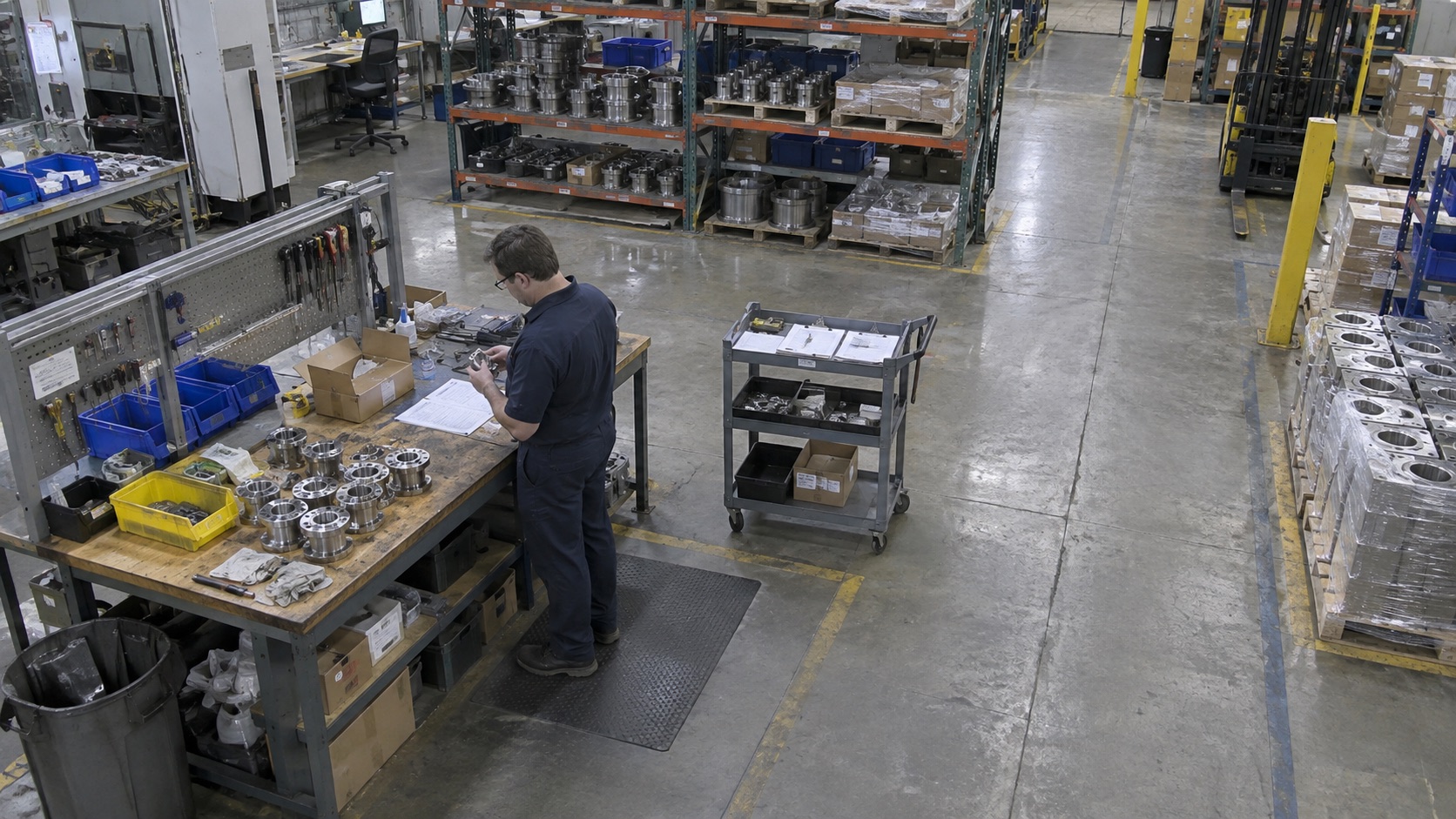
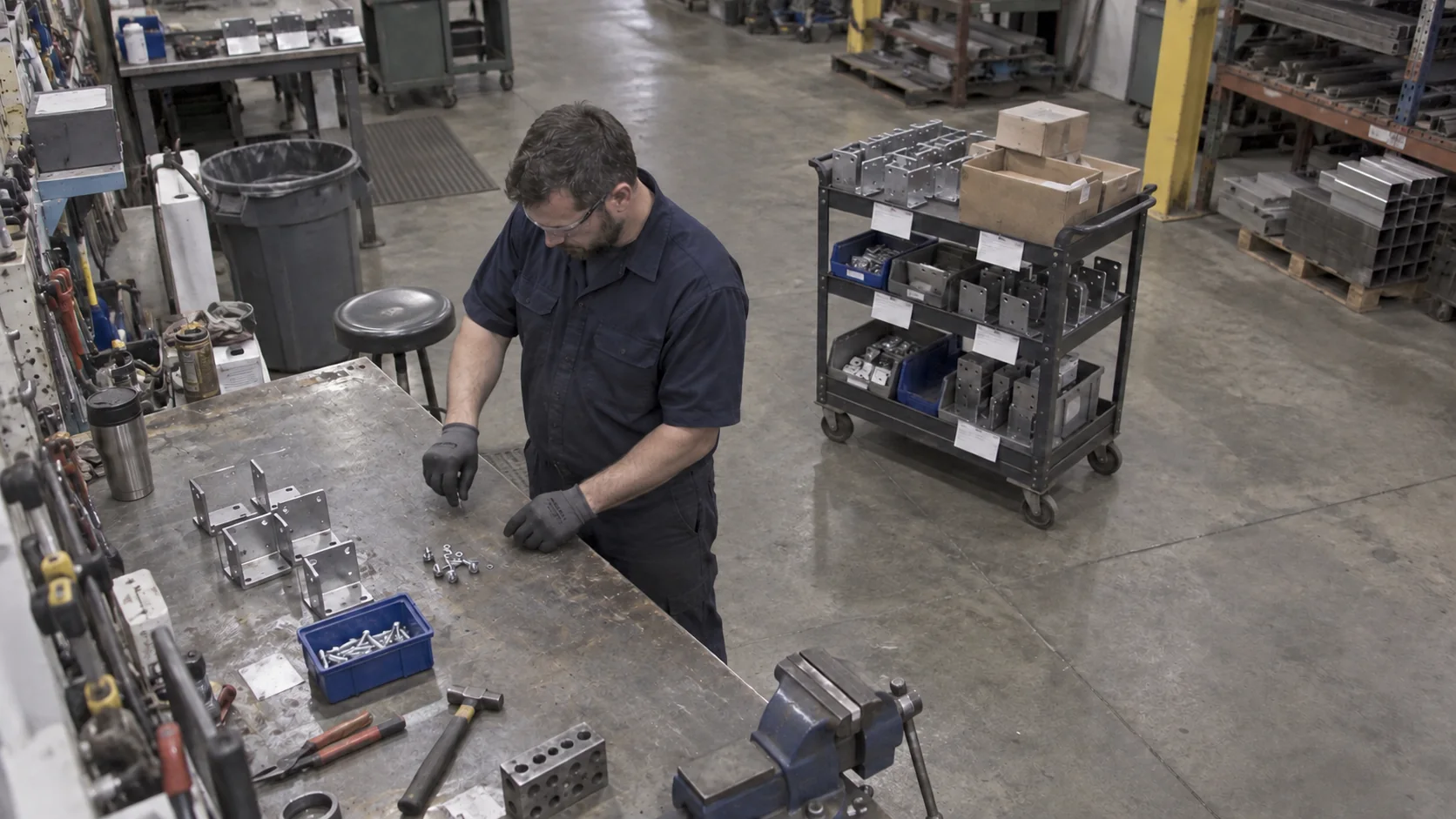
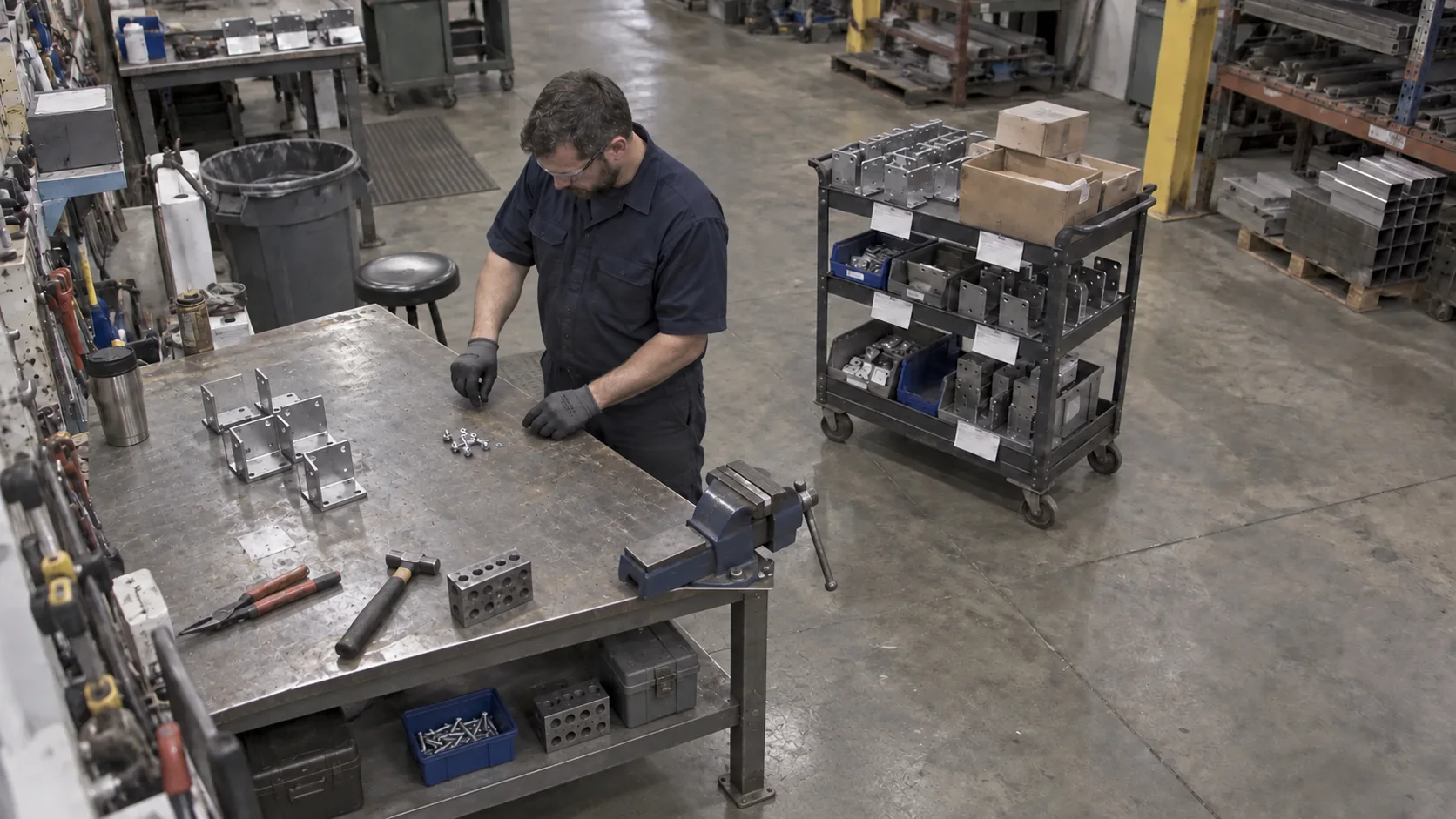
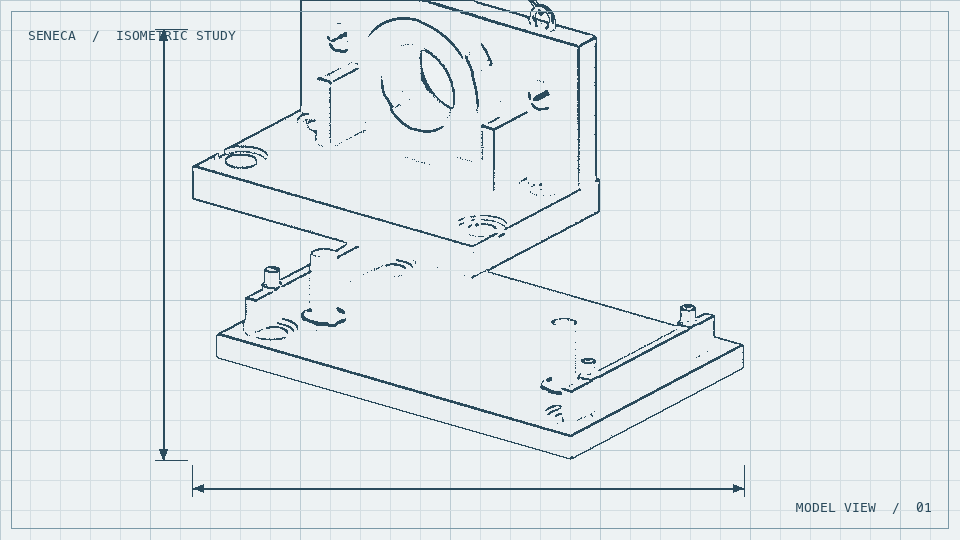
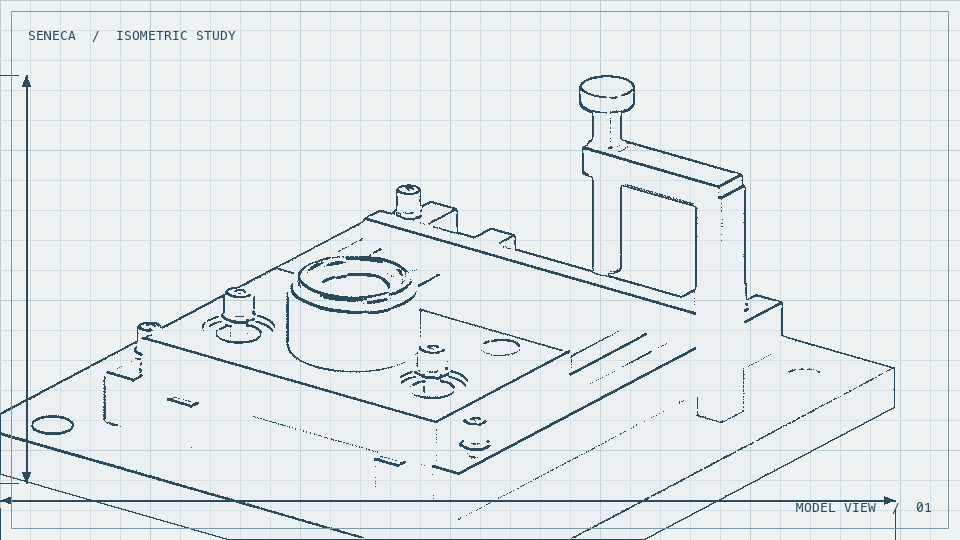
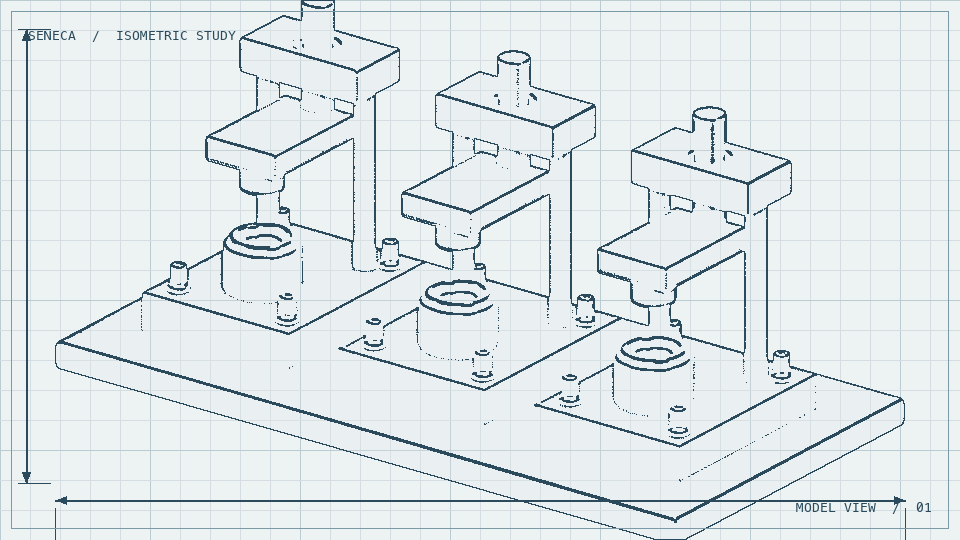
Build the bracket and pin assembly from the released model and drawing.
Check that the pin shoulder meets the bracket face with no visible gap. Record the result before releasing the assembly.
Is the pin fully seated?

Seneca automatically turns CAD and drawings into manufacturing information and clear build instructions.
Turn design intent into manufacturing information the whole team can build from.
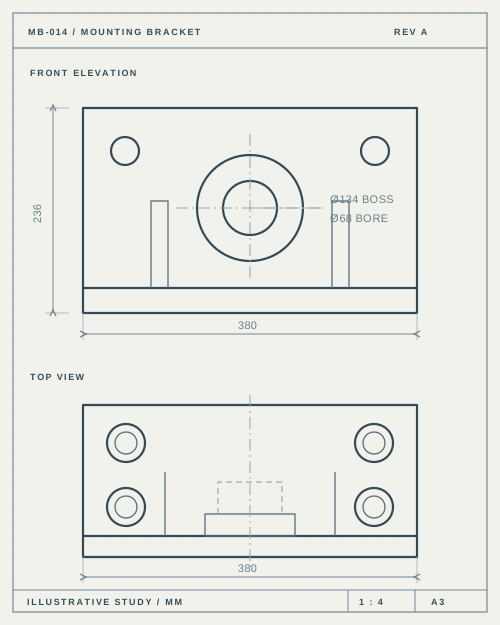
CAD and drawings are the starting point.
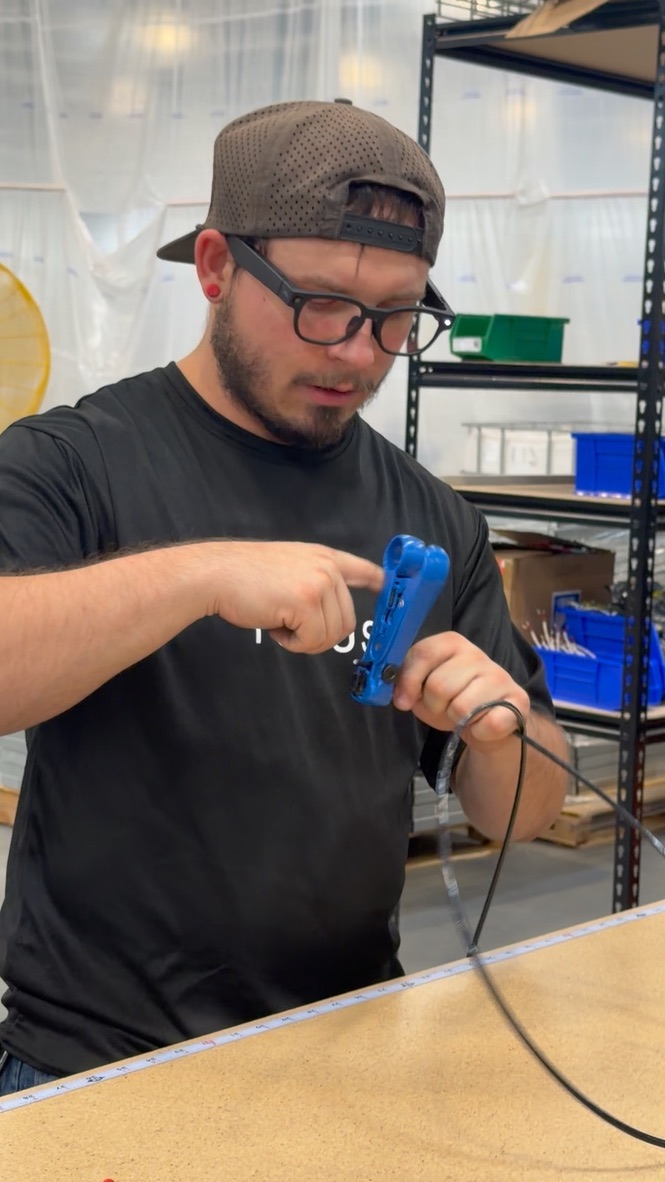
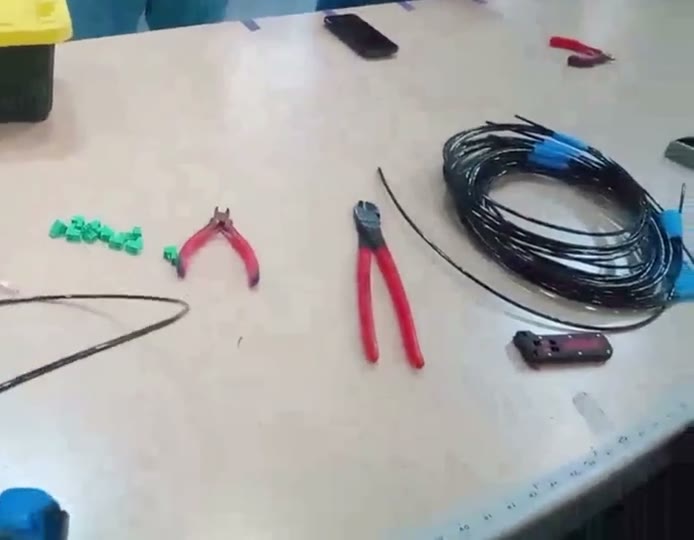
Bring in the model, drawing, and existing standards. Add video or operator context to show how the work is built.
Seneca AI interprets your design and automatically drafts the assembly sequence, visual references, and checks.Engineering reviews the draft before it becomes the working standard.
The model and design intent.
What to build and in what order.
A draft ready for engineering review.
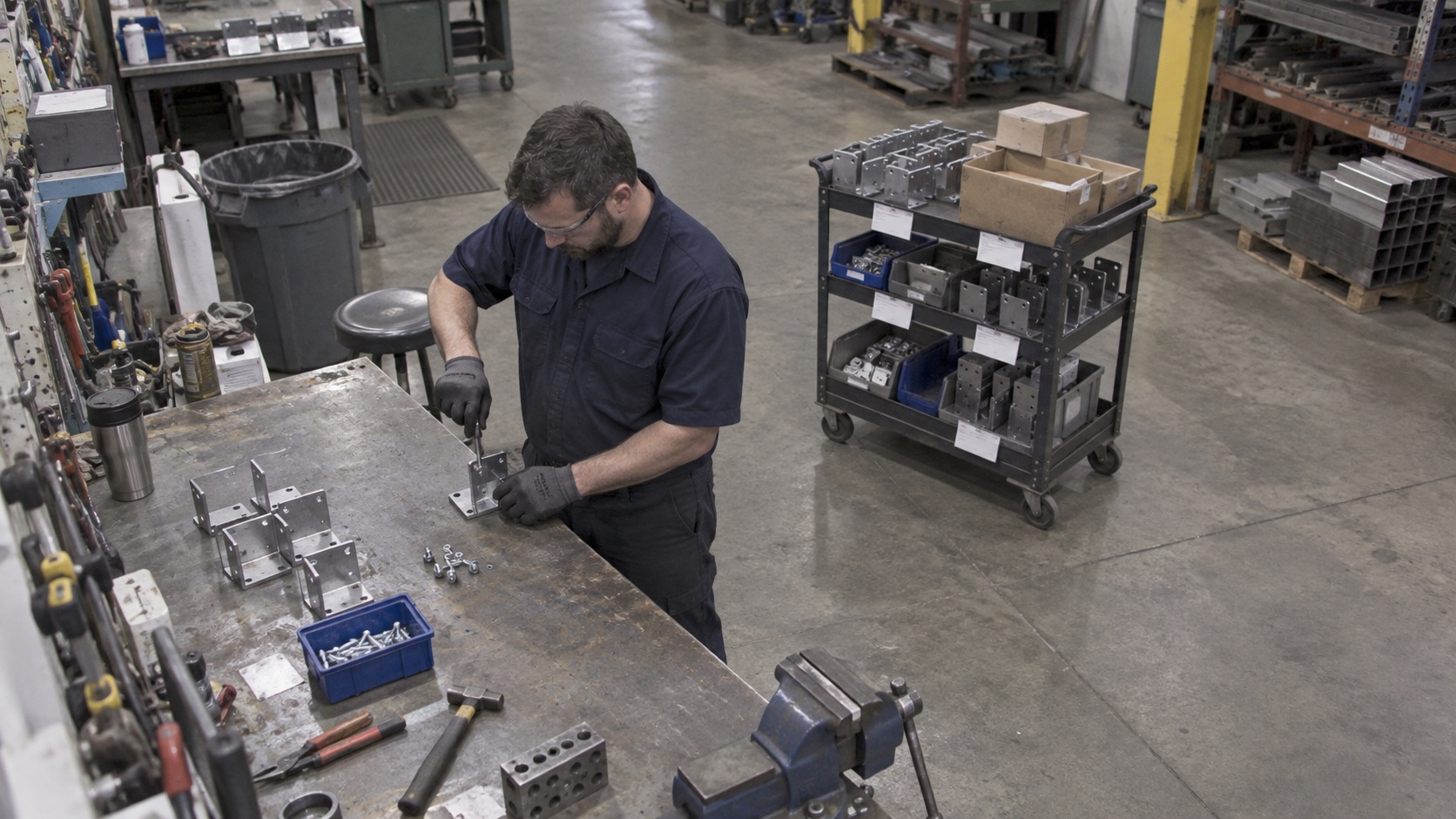
Build the bracket and pin assembly from the released model and drawing.
Check that the pin shoulder meets the bracket face with no visible gap. Record the result before releasing the assembly.
Is the pin fully seated?
Integrates into your DMS & QMS
Use the reviewed build instructions to teach the sequence, checks, and design intent.
Seneca creates four stages of training for every procedure.
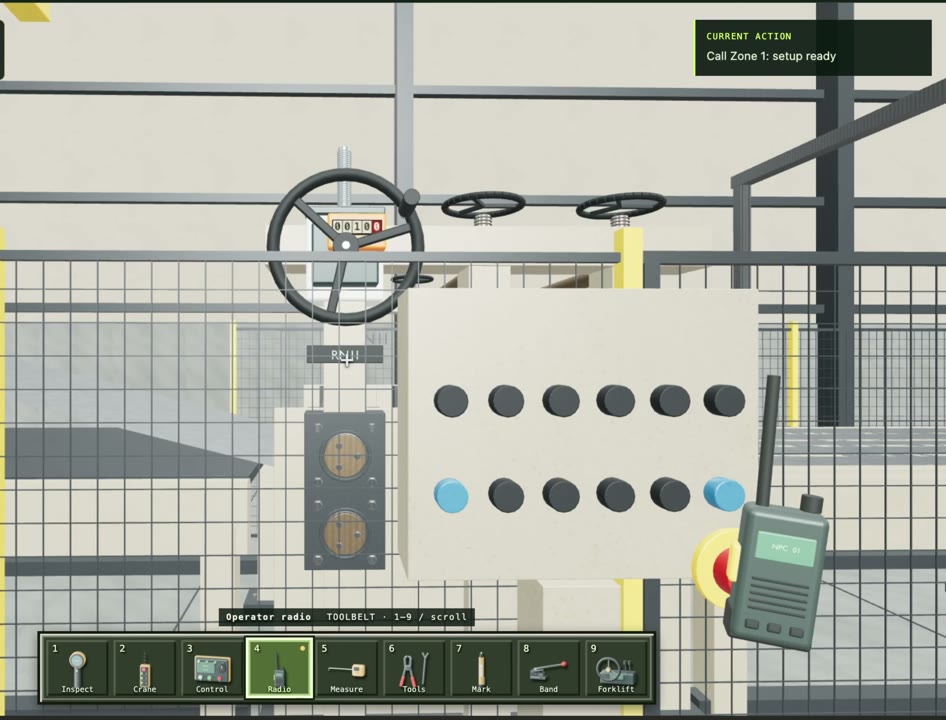
Guide the operator through the assembly, using the same engineering standard.
Seneca AI: Check that the pin shoulder meets the bracket face. How can you tell the pin is fully seated? Operator: There’s no visible gap. Seneca AI: Exactly. Let’s move to the next step.
A step-by-step game that guides operators through the process.


Walk through the build instructions, answer questions, and capture notes for engineering.
Only in my personal SOP.
Hands-free guidance keeps the next step in view as the operator works.
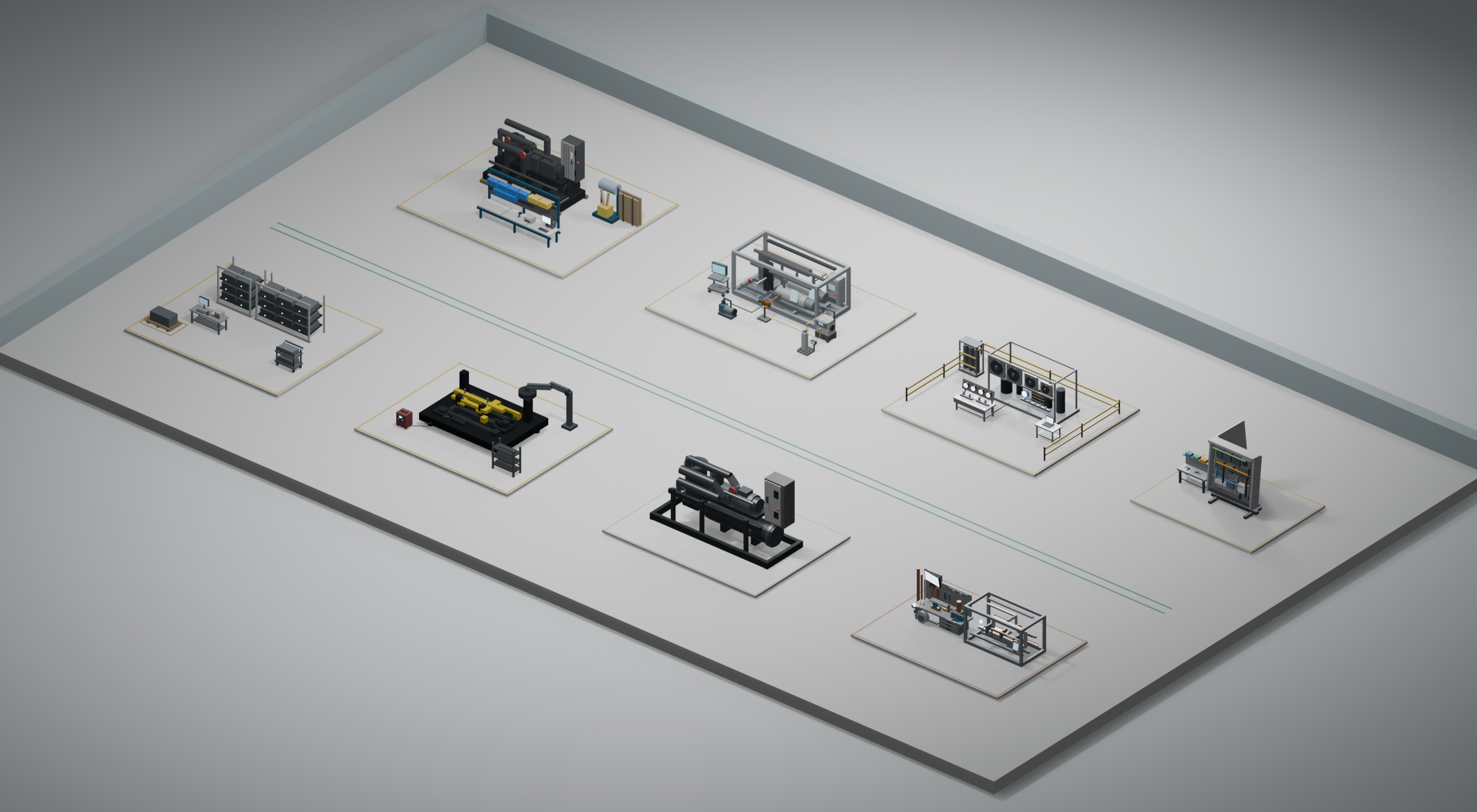
Connect the released instructions to each work order. Give engineering a view of progress, check results, and issues at every station.
01 Receiving & Kitting
02 Frame Fabrication
03 Mechanical Assembly
4A Refrigerant Piping
4B Controls & Wiring
05 Pressure Test
06 Charging & Commissioning
07 Final QA & Packout
WO-1049
Seneca Engineering AI connects design intent with camera footage and work order data to recommend practical improvements.
Seneca Engineering AI analyzes your current work using SOP, cameras, and WIP tracking to recommend physical improvements.

Step timings and waste, connected to the SOP.
| SOP step | Motion | Classification | Time |
|---|---|---|---|
| Walk / reach | Potentially unnecessary | 14 s | |
| Position / align | Necessary, but could be improved | 18 s | |
| Use tool | Necessary | 32 s | |
| Wait | Could be improved | 12 s | |
| Inspect | Necessary | 20 s |
The operator leaves the station to collect fasteners, then returns to the panel.
Loading floor
Busiest station: 118 min
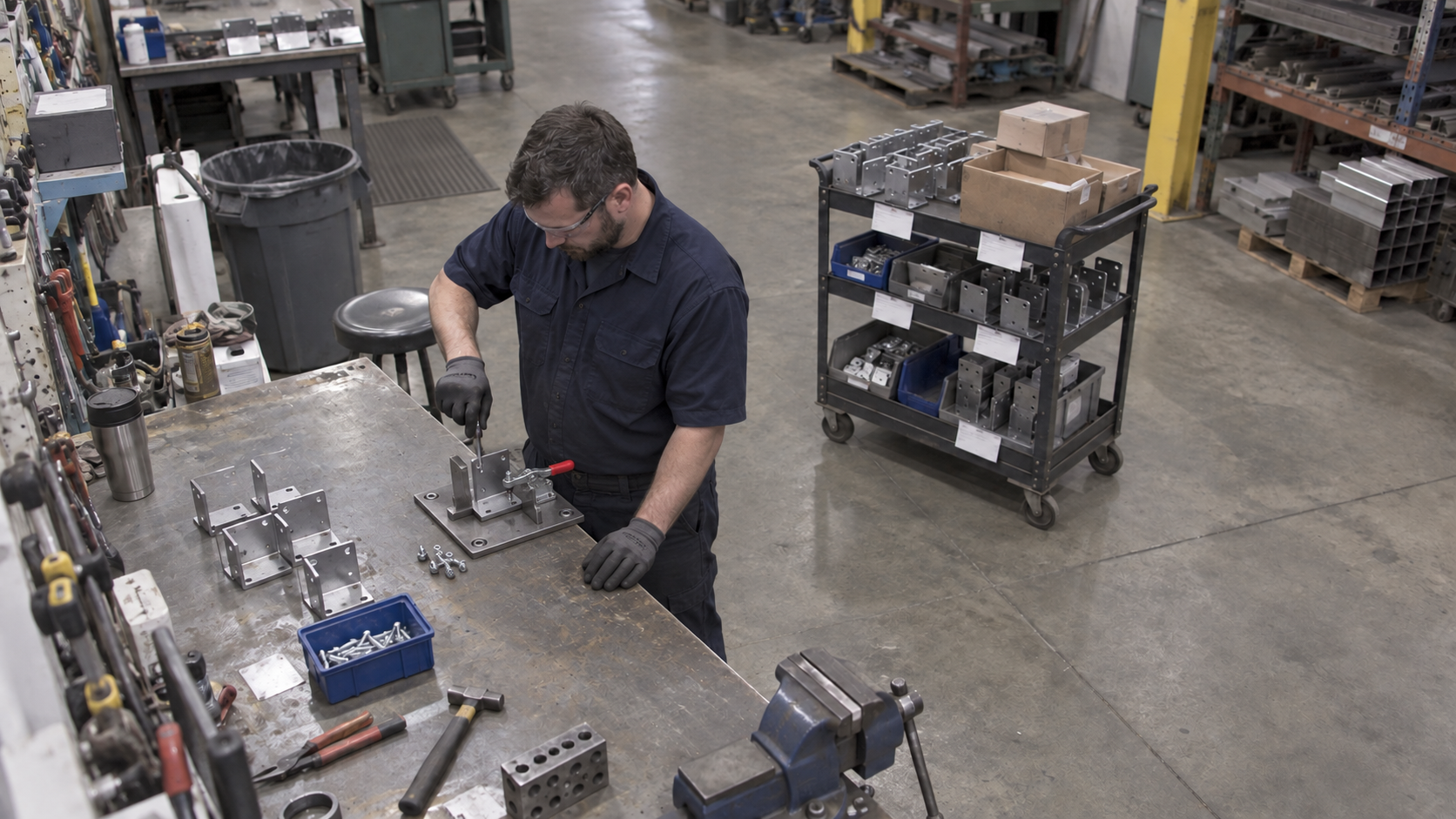
Add a locating fixture with fixed stops and a quick-release clamp to hold the bracket square during fastening, freeing the operator from holding it by hand.
Tell Seneca AI what to watch via our AI cameras or your existing camera infrastructure. It keeps your systems current as work moves.
Seneca helps America
build hard things.