Automated shop-floor tracking
Watch the work. Keep systems current.
Tell Seneca what event to watch for and what should happen next. Connect an observable action on the floor to a production update or material request.
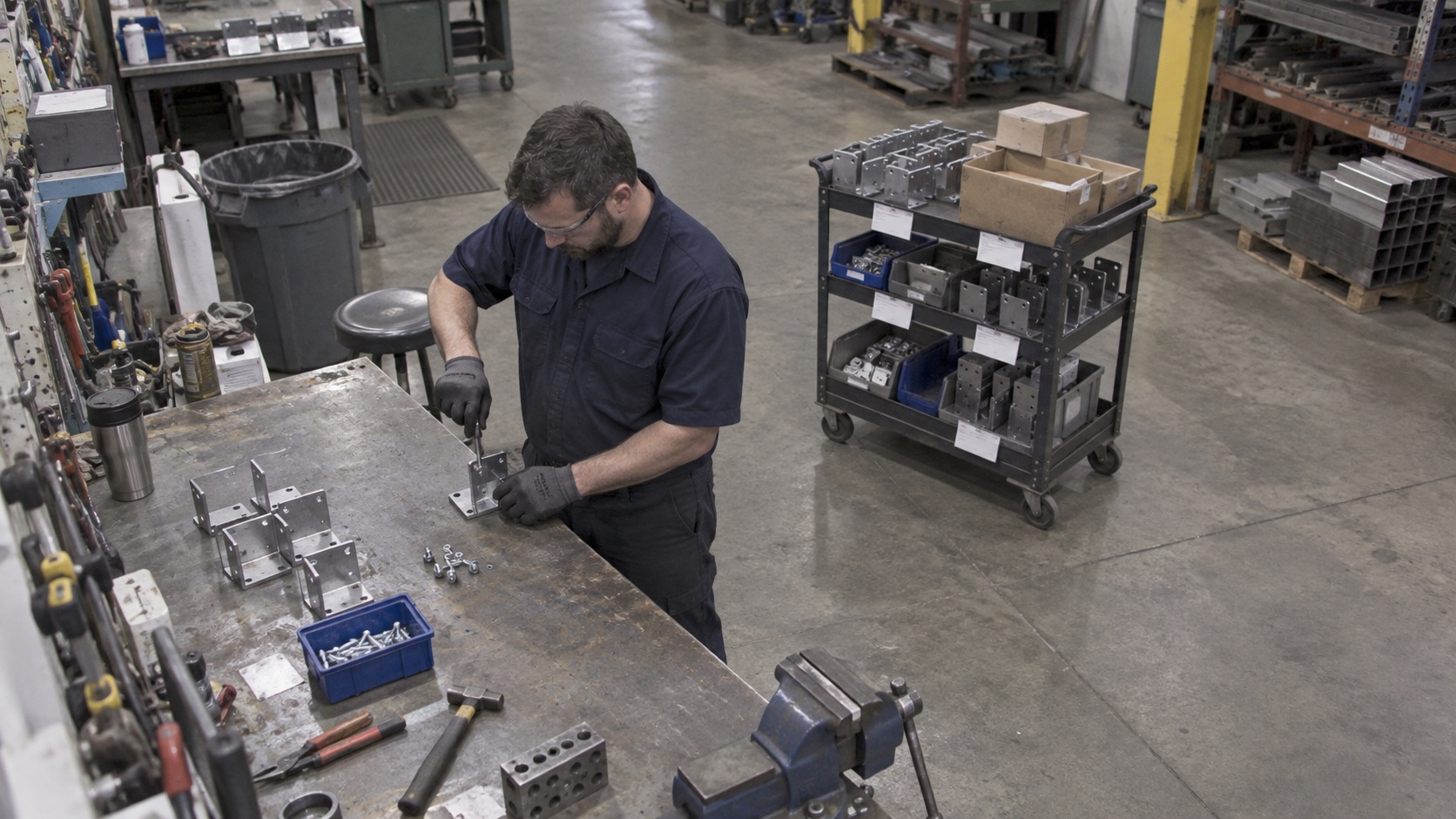
Observe a defined event
Watch for a finished assembly, a station transition, or a parts-bin movement.
Connect the right record
Link the event to the relevant job, station, or material workflow.
Trigger the next action
Update a configured system record or flag an exception for review.
01 / AI Camera Tracking
Turn an observation into an operational action
Camera footage is more useful when the team knows what event matters. “A finished assembly is placed on the cart” defines a different event from “a person is near the cart.” The first can be part of a production-completion rule; the second does not establish that the job is complete.
Seneca’s monitoring demonstration uses a simple when-and-then model. When a finished assembly reaches a defined cart, update its work order in MES. When a blue parts bin moves to the replenishment position, create a material pull request in ERP. These are examples of workflows to configure and validate for a site.
02 / AI Camera Tracking
Combine camera evidence with operator and equipment data
Cameras can help detect visible activity, object placement, and movement through defined areas. They cannot establish every material property, hidden feature, measured tolerance, or force applied by a tool. Use operator responses and equipment results where those are the appropriate evidence.
For each check, define what is visible, which camera view supports it, and when the event is ambiguous. An exception should have a review path. Teams need a way to correct a false match or a missed event without losing the history of the update.
03 / AI Camera Tracking
Start with a representative station
Review the camera position, lighting, occlusion, part variations, job identifiers, and normal movement around the station. Test repeated and out-of-order events. A cart may carry several jobs, and moving a bin does not always mean it needs replenishment.
Run the proposed rule against real production examples before enabling automatic system writes. Decide who can configure the rule, who reviews uncertain events, and how footage and event records are retained. This makes the automation easier to assess and maintain as the work changes.
Questions
Before you start.
Can Seneca use existing cameras?
Seneca can be scoped around AI cameras or existing camera infrastructure. Camera access, view quality, and the event being observed need to be assessed for the site.
Can the system trigger material replenishment?
A configured visible event, such as a bin moving to a defined position, can be connected to a material-request workflow. Validate the trigger and exception handling for the station.
Does every observation automatically change MES?
The action depends on the configured workflow. Define which events may update records automatically and which require review.
See Seneca at work
Bring us one job.
Start there.
Show us the procedure, training need, or production workflow you want to improve.